Table of Contents
What is RCS Messaging API?
RCS Messaging API represents the next evolution in business communication technology. While traditional SMS has served businesses well for decades, it's fundamentally limited to 160 characters of plain text. RCS (Rich Communication Services) changes everything by bringing app-like experiences directly to your customers' native messaging applications.
At its core, an RCS Messaging API is a programmatic interface that allows developers to integrate rich messaging capabilities into their applications, platforms, and workflows. Instead of manually sending messages through a dashboard, you can automate your entire communication strategy through code, triggering personalized, interactive messages based on customer behaviors, transactions, or any other event in your system.
Think of it this way: if SMS is like sending a plain text email, RCS is like having a mobile app conversation without requiring users to download anything. Your customers receive beautifully formatted messages with high-resolution images, videos, interactive buttons, carousels, and much more – all within the messaging app they already use every day.
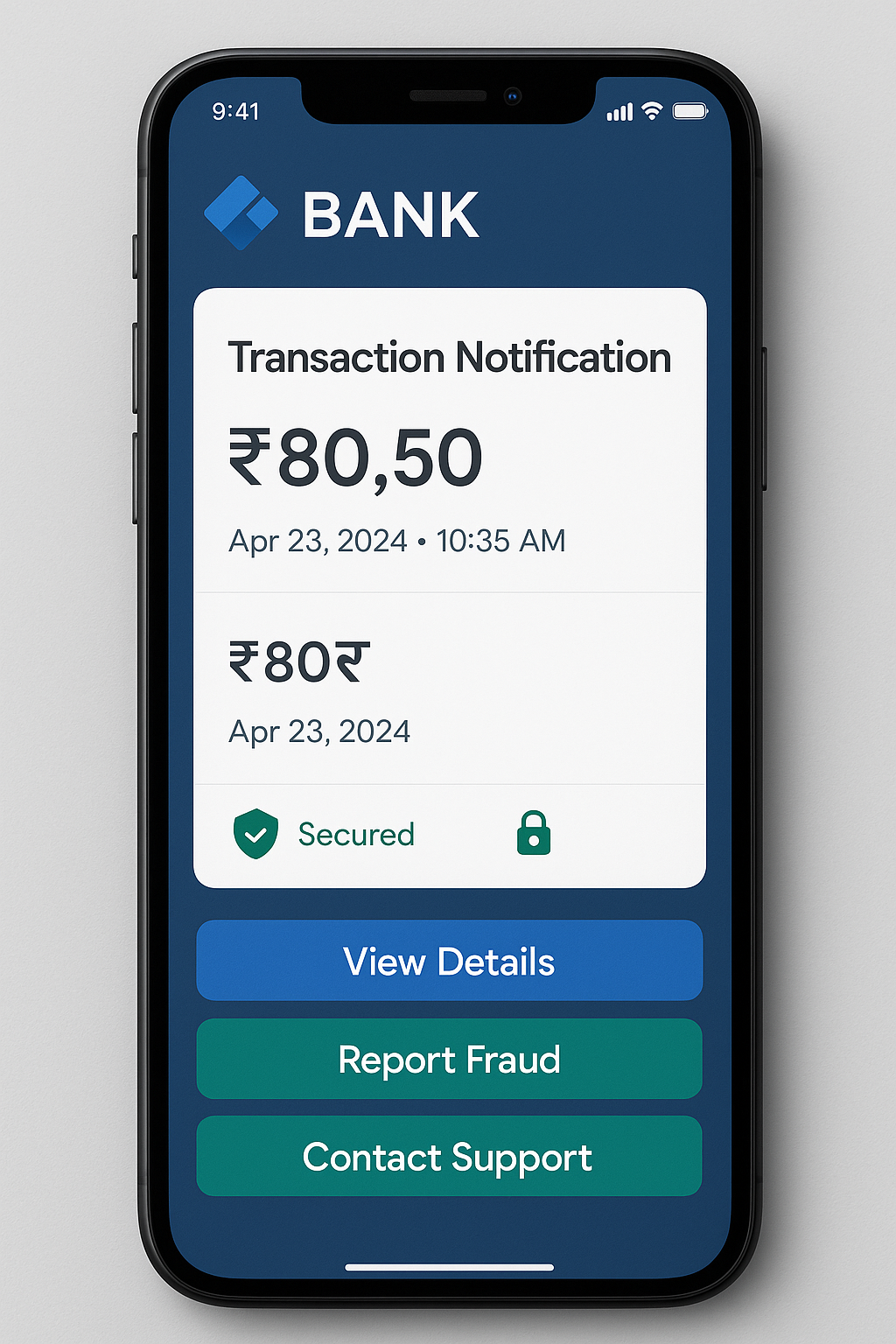
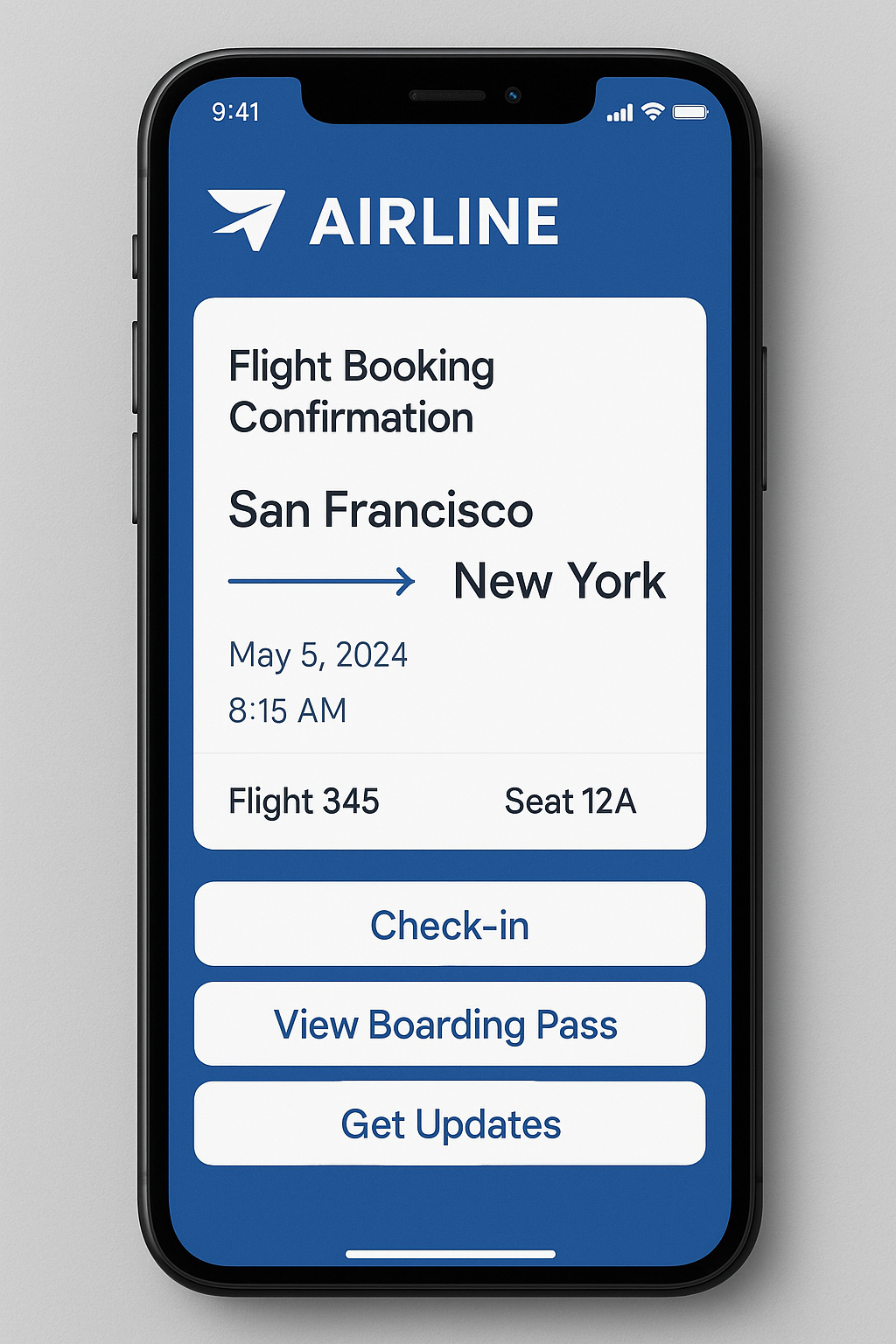
The API approach means you can integrate RCS into your existing technology stack seamlessly. Whether you're running an e-commerce platform, a banking application, a travel booking system, or any other customer-facing service, the RCS Messaging API lets you enhance every customer touchpoint with rich, interactive communication.
The Technology Behind RCS Messaging API
Unlike over-the-top (OTT) messaging apps like WhatsApp or Telegram, RCS operates at the carrier level. It's built into the native messaging infrastructure of mobile networks, which means it's deeply integrated with your customers' phones. Messages are delivered through the same app they use for regular text messages, but with dramatically enhanced capabilities.
From a technical perspective, RCS Messaging APIs typically follow RESTful architecture principles, making them familiar and easy to work with for most developers. You send HTTP requests to specific endpoints with your message content and parameters, and the API handles all the complexity of formatting, routing, and delivering your messages through the appropriate carriers and networks.
The API manages critical functions like verifying device capabilities (checking if a recipient's phone supports RCS), handling fallback mechanisms (automatically sending SMS when RCS isn't available), managing delivery receipts, processing read notifications, and tracking user interactions with your messages. All of this happens behind the scenes, allowing you to focus on crafting compelling customer experiences rather than worrying about technical implementation details.
Why Enterprises Need RCS Messaging API
In today's digital-first world, customer expectations have never been higher. People are accustomed to rich, interactive experiences from their mobile apps, and they increasingly expect the same level of engagement from business communications. This is where RCS Messaging API becomes not just useful, but essential for forward-thinking enterprises.
The Limitations of Traditional SMS
Traditional SMS has served businesses well, but its limitations are becoming increasingly apparent. You're restricted to 160 characters, can't include rich media, have no way to verify your identity beyond a phone number, and receive minimal feedback about message performance. SMS also can't support the interactive experiences that modern customers expect – you can't include buttons, carousels, or any form of in-message interaction.
More importantly, SMS doesn't provide businesses with verified sender identity. Customers receive messages from random phone numbers and have no way to verify if the message is genuinely from your brand or a sophisticated phishing attempt. In an era of increasing security concerns and sophisticated scams, this lack of authentication is a significant liability.
The RCS Advantage for Enterprise Communication
RCS Messaging API addresses every one of these limitations while opening up entirely new possibilities for customer engagement. With RCS, your business receives a verified sender profile complete with your brand name, logo, and a verification badge. Customers immediately recognize that messages are legitimately from your company, building trust and improving message open rates significantly.
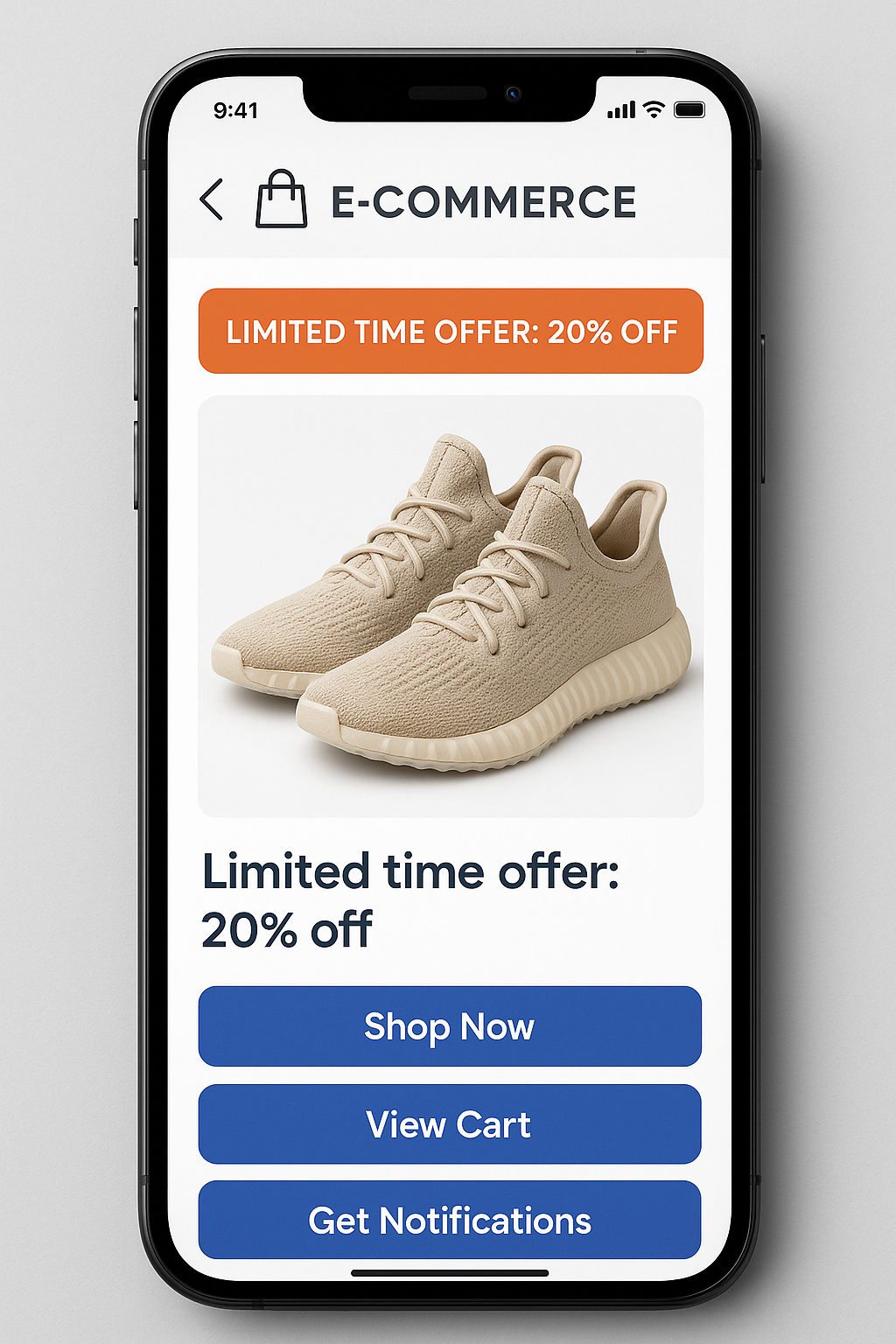
The ability to include rich media transforms how you communicate. Instead of describing a product in text, you can show high-resolution images. Rather than explaining a process, you can send a video demonstration. Product catalogs become interactive carousels that customers can swipe through, with direct purchase buttons attached to each item.
But perhaps most importantly, RCS enables genuine two-way conversations with structured interaction. You can include suggested reply buttons that guide customers through processes, add action buttons that link directly to your website or app, incorporate calendar events, share locations, and create sophisticated conversational flows – all without leaving the messaging interface.
Measurable Business Impact
Early adopters of RCS Messaging API are seeing dramatic improvements in key metrics. Engagement rates are typically 3-5x higher than SMS, with some businesses reporting interaction rates above 40%. Conversion rates improve because customers can complete actions directly within messages rather than navigating to websites or apps. Customer satisfaction increases because the communication feels more personal, professional, and trustworthy.
From an operational perspective, RCS provides detailed analytics that SMS simply can't match. You can track not just delivery and opens, but also which buttons customers clicked, which carousel cards they viewed, and how they interacted with your content. This data enables continuous optimization of your messaging strategy based on real customer behavior.
Key API Capabilities and Features
Understanding what you can accomplish with RCS Messaging API is crucial for maximizing its potential in your enterprise communication strategy. Let's explore the core capabilities that make RCS a game-changer for business messaging.
Rich Media Support
RCS Messaging API allows you to send high-resolution images up to 10MB, ensuring your product photos, infographics, and branded visuals look crisp and professional on any device. Video support lets you send promotional clips, tutorial content, or personalized video messages directly in conversations. You can also send audio files, animated GIFs, and even location data with interactive maps.
The API handles all the technical complexity of media encoding, compression, and delivery optimization. You simply provide the media URL or upload the file through the API, and it ensures optimal delivery regardless of network conditions or device capabilities.
Interactive Suggested Actions and Buttons
One of RCS's most powerful features is suggested actions – interactive buttons that appear below your message content. These aren't simple links; they're sophisticated action triggers that can accomplish various tasks. You can create reply buttons that send predefined responses, action buttons that open URLs, dial phone numbers, share locations, create calendar events, or trigger specific app actions.
The API lets you design button layouts that match your use case. You might create a message with "Yes" and "No" reply buttons for confirmations, "Track Order" and "Contact Support" action buttons for order updates, or "Schedule Appointment" buttons that add events directly to customers' calendars. Each button can be customized with specific text, colors, and actions that align with your brand and objectives.
Rich Cards and Carousels
Rich cards are structured message templates that combine images, text, and buttons into cohesive, visually appealing units. Think of them as miniature landing pages within a message. A single rich card might showcase a product with an image, description, price, and "Buy Now" button all in one elegant package.
Carousels take this further by allowing multiple rich cards in a single message that users can swipe through. This is perfect for product catalogs, travel itineraries, restaurant menus, or any scenario where you want to present multiple options. Through the API, you can dynamically generate carousels based on user preferences, browsing history, or any other data in your systems.
Verified Sender Identity
The RCS Messaging API automatically handles sender verification, displaying your business name, logo, and verification badge on every message. This happens through a registration process with RCS providers and carriers, where your business identity is verified and associated with your API credentials. Once configured, every message sent through the API automatically includes this verified branding.
This verification is crucial for security and trust. Customers can immediately distinguish legitimate messages from your business from potential phishing attempts, dramatically reducing security concerns and improving message engagement.
Real-Time Delivery and Interaction Tracking
Through webhooks, the RCS Messaging API provides real-time notifications about message status. You receive instant callbacks when messages are sent, delivered, read, and when users interact with any element of your message. If a customer clicks a button, views a carousel card, or replies to your message, your system is immediately notified with detailed information about the interaction.
This enables sophisticated automation. For example, if a customer clicks "I'm Interested" on a product message, your system can immediately trigger a follow-up workflow, update your CRM, notify a sales representative, or initiate a more detailed conversation – all automatically through API integrations.
Capability Detection and Fallback Mechanisms
Not all devices support RCS yet, though adoption is growing rapidly. The API includes capability detection that checks whether a recipient's device can receive RCS messages before sending. If RCS isn't supported, the API can automatically fall back to SMS, ensuring your messages always reach their destination.
You control fallback behavior through API parameters. You might choose to send a simplified text-only version of your message via SMS, include a link to a mobile-optimized landing page that replicates the rich content, or simply skip sending if RCS isn't available. This flexibility ensures you maintain consistent communication regardless of recipient device capabilities.
Multi-Language and Localization Support
Modern RCS Messaging APIs support Unicode, meaning you can send messages in any language, including complex scripts and special characters. This is essential for global enterprises communicating with customers across different regions and languages. The API handles character encoding automatically, ensuring messages display correctly regardless of language or character set.